
Command palette
Ctrl+K opens the palette. Every action lives behind a leaf — no menus, no settings dialogs, no mouse needed.
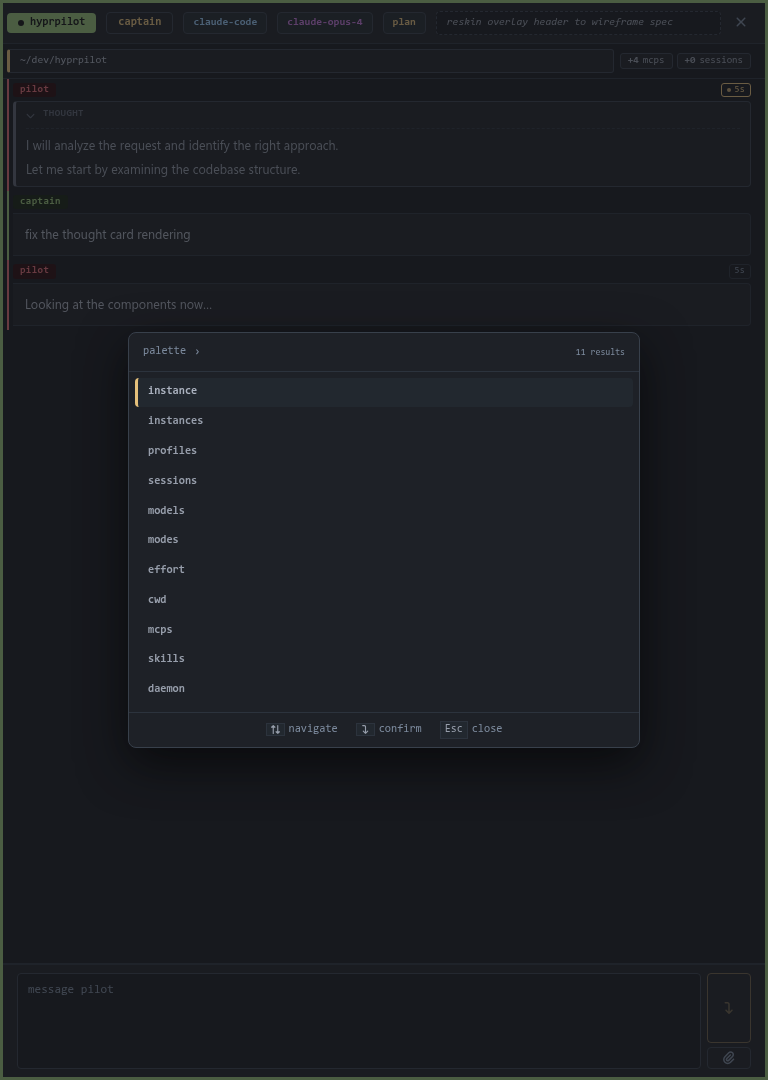
Root leaves
| Leaf | What it does |
|---|---|
| instance | Manage the focused instance — rename, shutdown. |
| instances | Switch focus between live instances; spawn new ones. |
| profiles | Pick the default profile for new instances. |
| sessions | Resume a previously-saved chat session. |
| models | Pick a model for the focused instance. |
| modes | Pick a mode (e.g. claude-code's plan / default). |
| effort | Pick a thinking budget / reasoning effort tier. |
| cwd | Change the focused instance's working directory. |
| mcps | View the active MCP set for the focused instance. |
| skills | Reload the skills catalog. |
| daemon | Daemon ops — reload config, shut down. |
Sessions
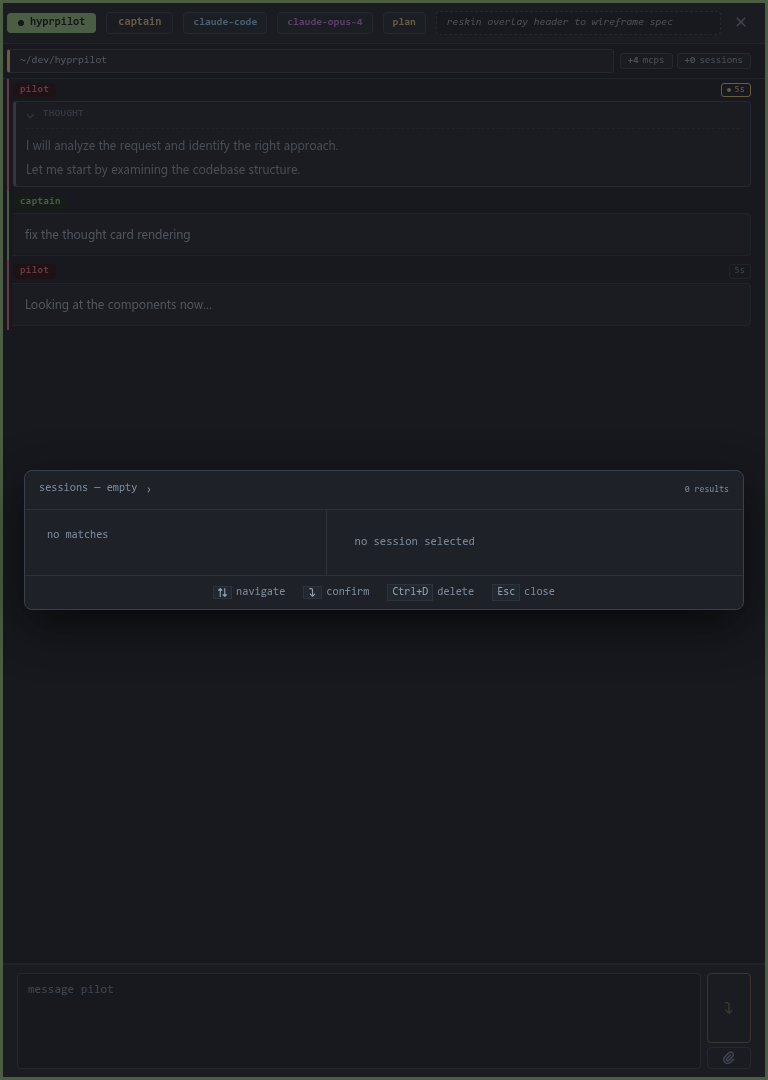
Picks up where you left off. Sessions are filtered by the current working directory — you only see sessions rooted there.
Models
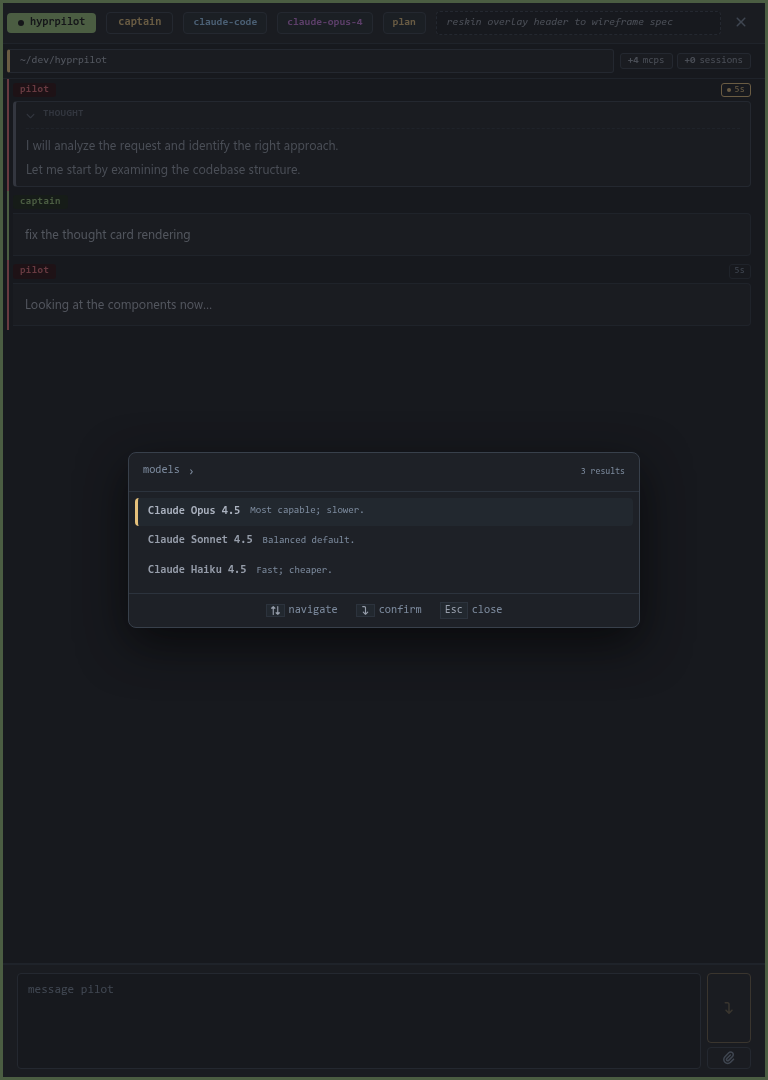
Lists every model the agent advertises. Pick a row, the header model chip flips once the agent confirms.
Modes & Effort
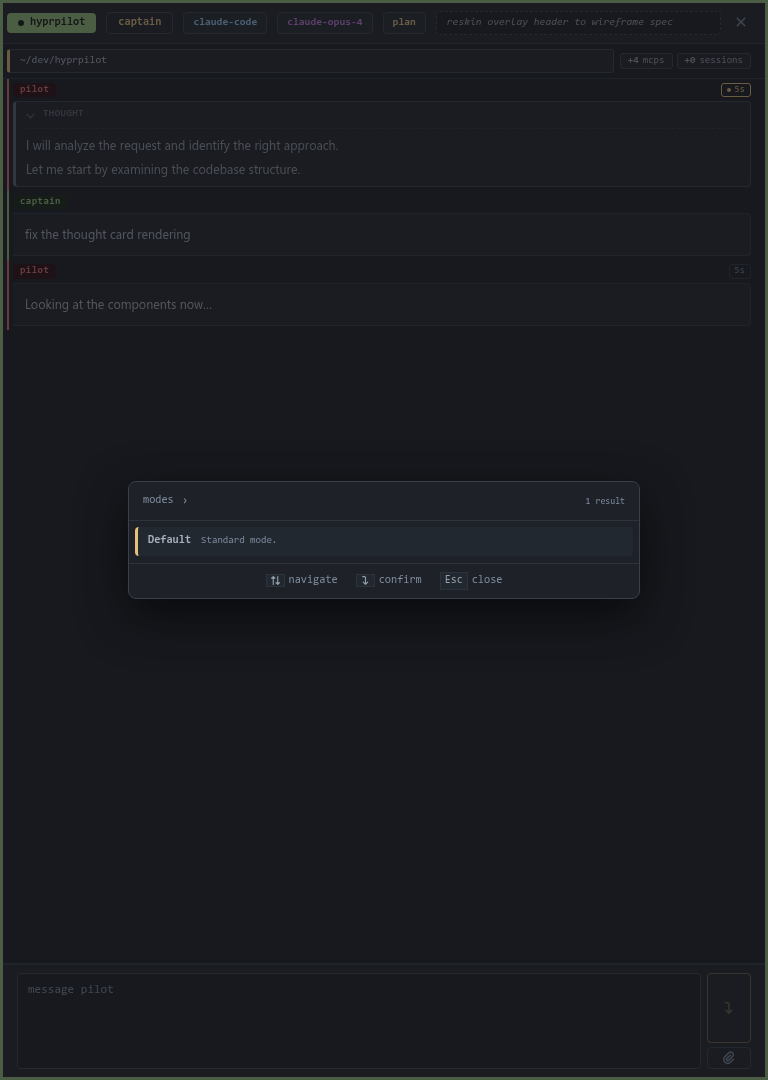
Modes are vendor-defined. claude-code ships plan + default. The currently-active mode is hidden so the leaf shows the alternatives only.
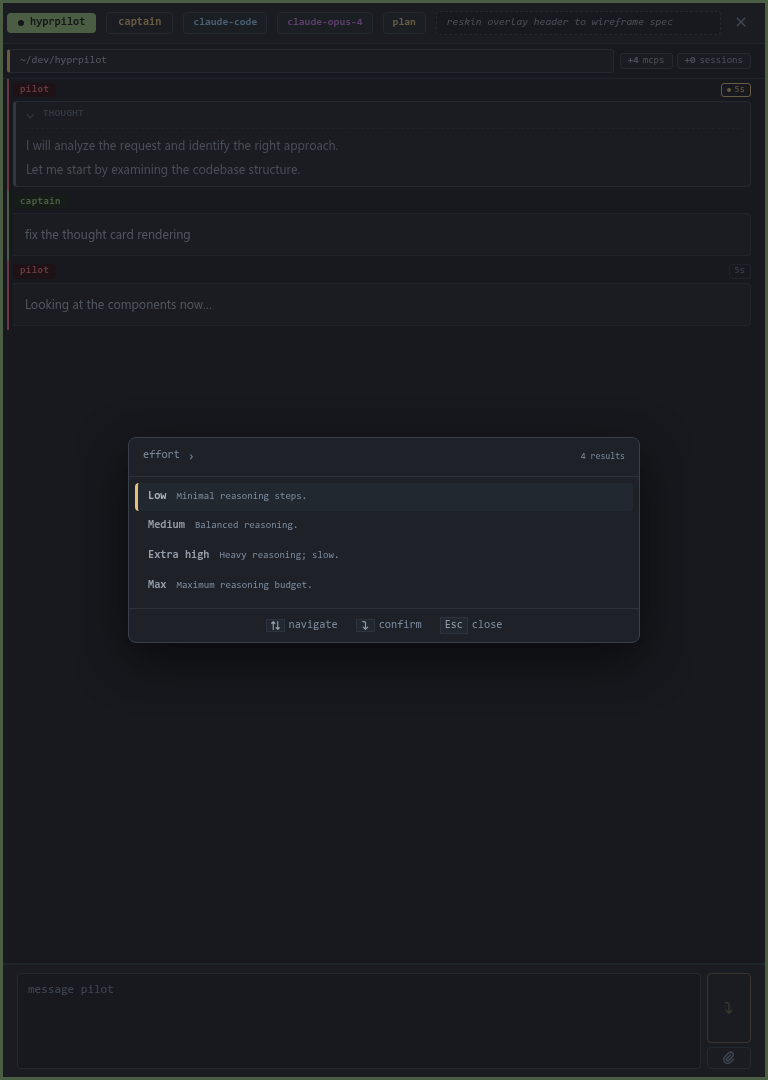
Effort is claude-code's adaptive-thinking budget — low / medium / high / xhigh / max. Higher = deeper reasoning, slower.
Instance & Instances
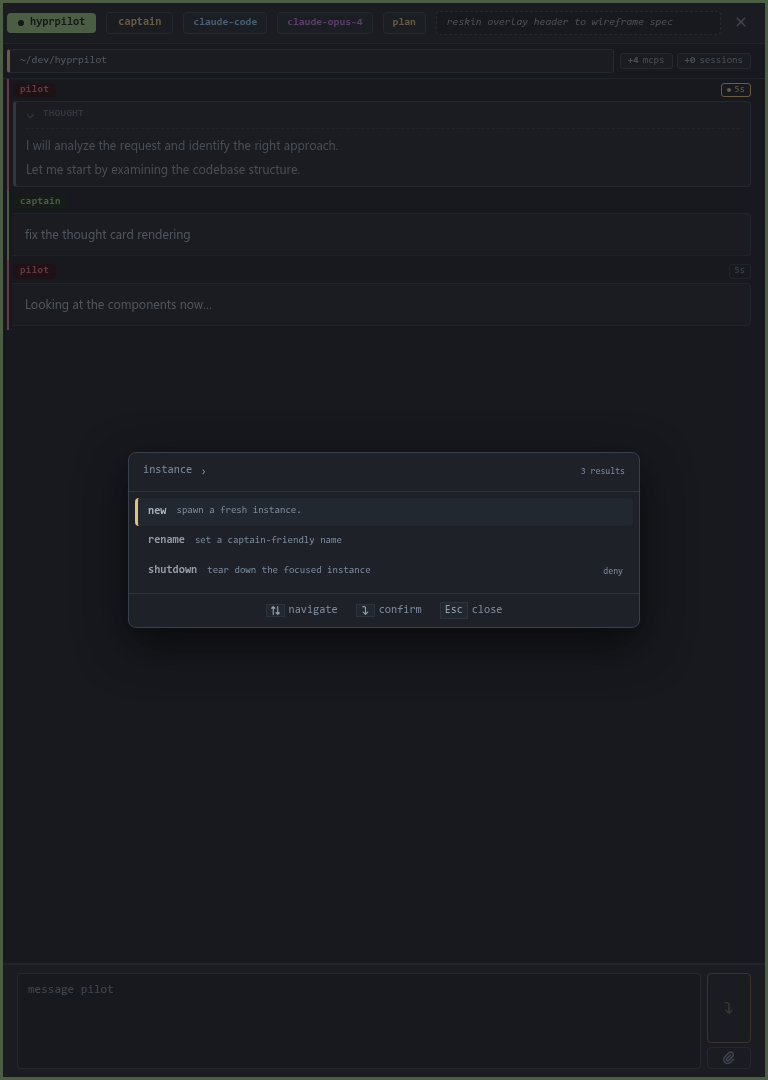
Single-instance actions: new stages a fresh instance; rename gives it a friendly name; shutdown tears it down.
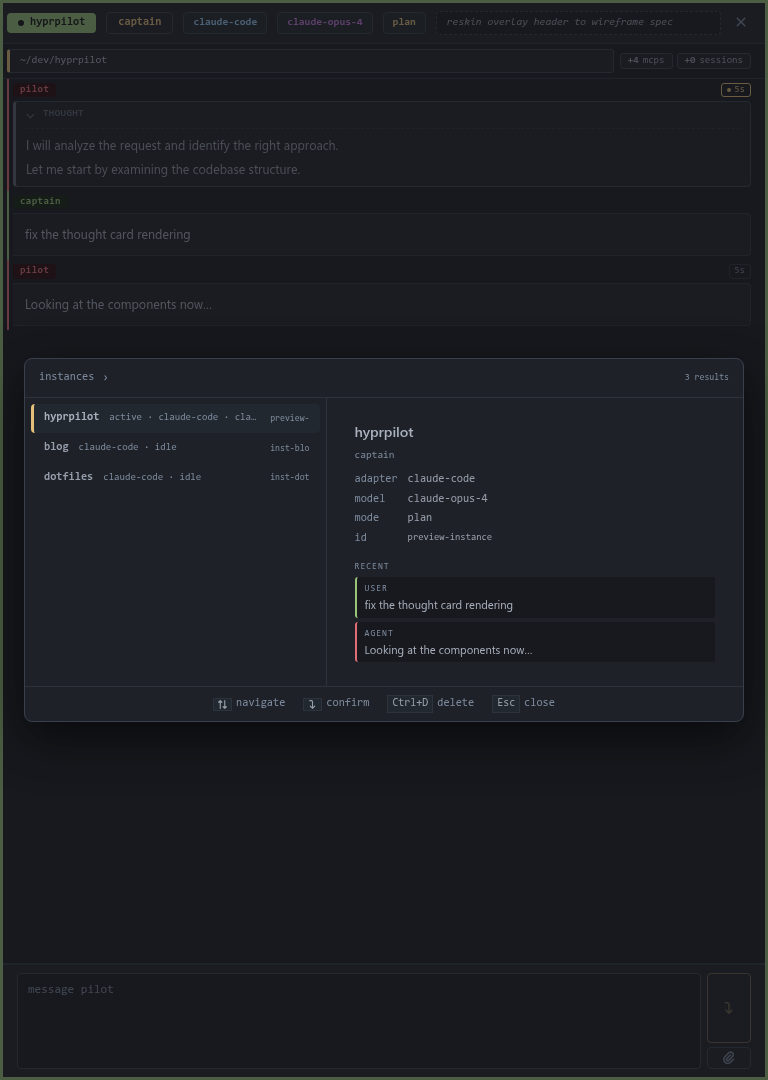
The instance switcher. List on the left, preview on the right — adapter / model / mode + recent transcript. Ctrl+D shuts down a row.
MCPs & Skills
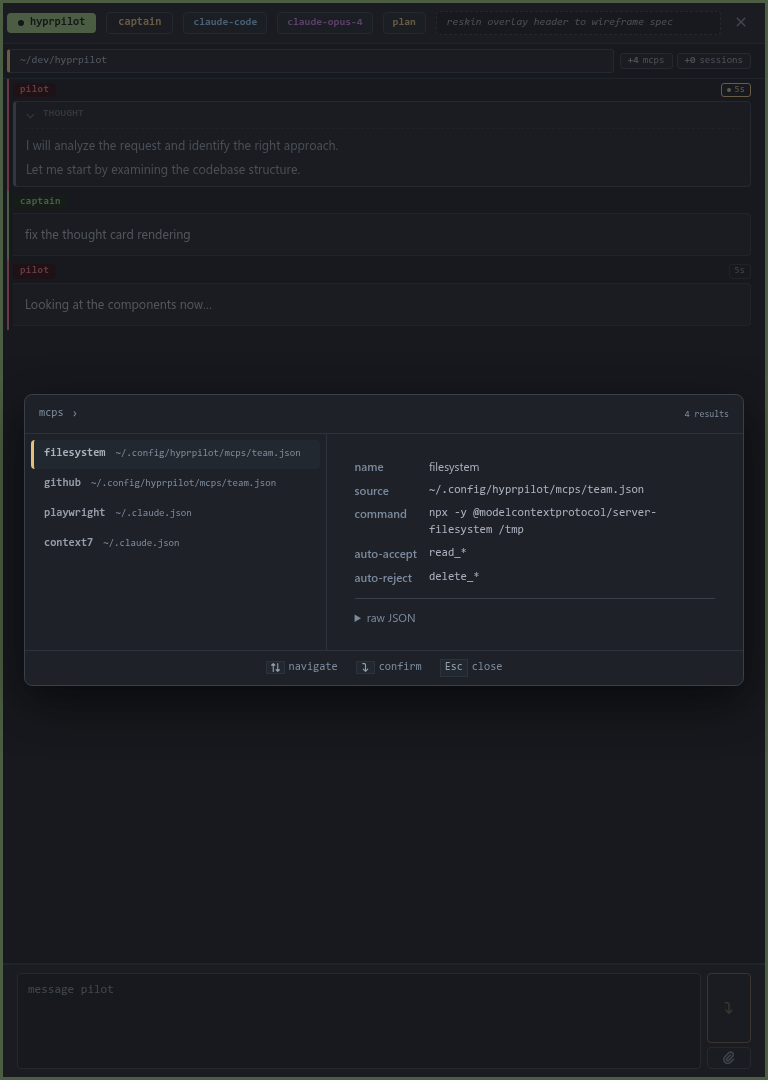
Read-only view of the MCPs wired to the focused instance. Each server's preview shows source file, command, and the auto-accept / auto-reject globs. To change the set, edit the source JSON and restart the daemon.
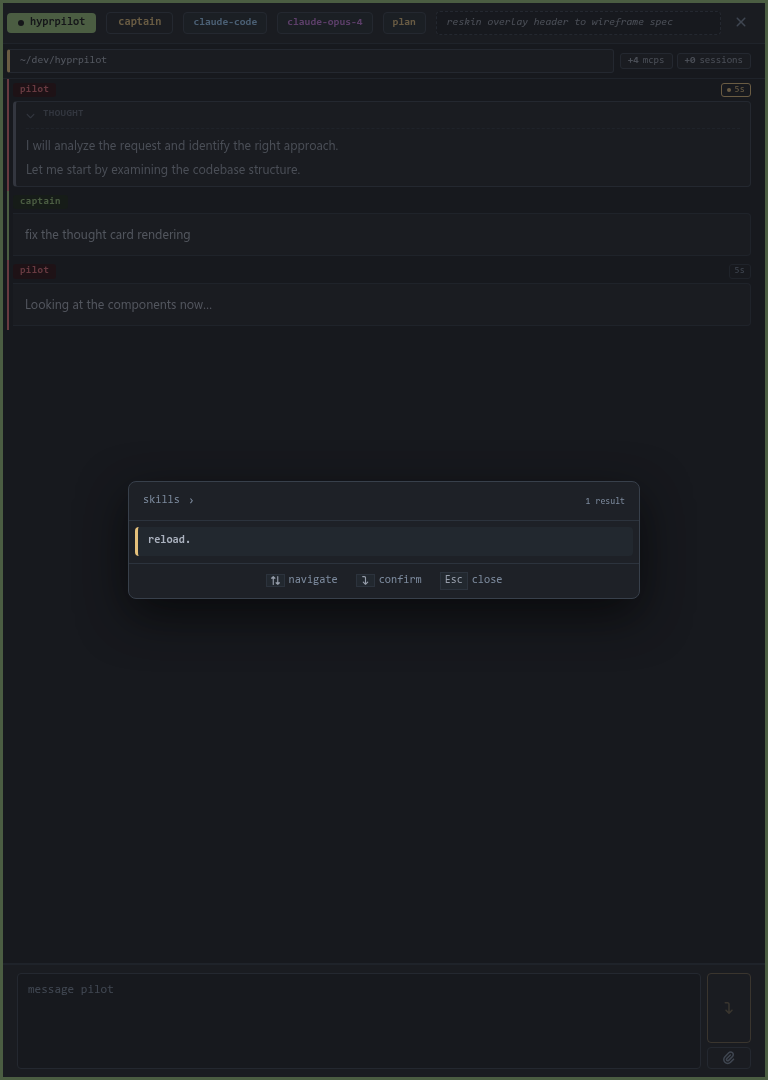
To attach a skill to your next prompt, use the composer's #<name> sigil. The skills leaf has one action — reload — for picking up changes after editing a SKILL.md.
Cwd
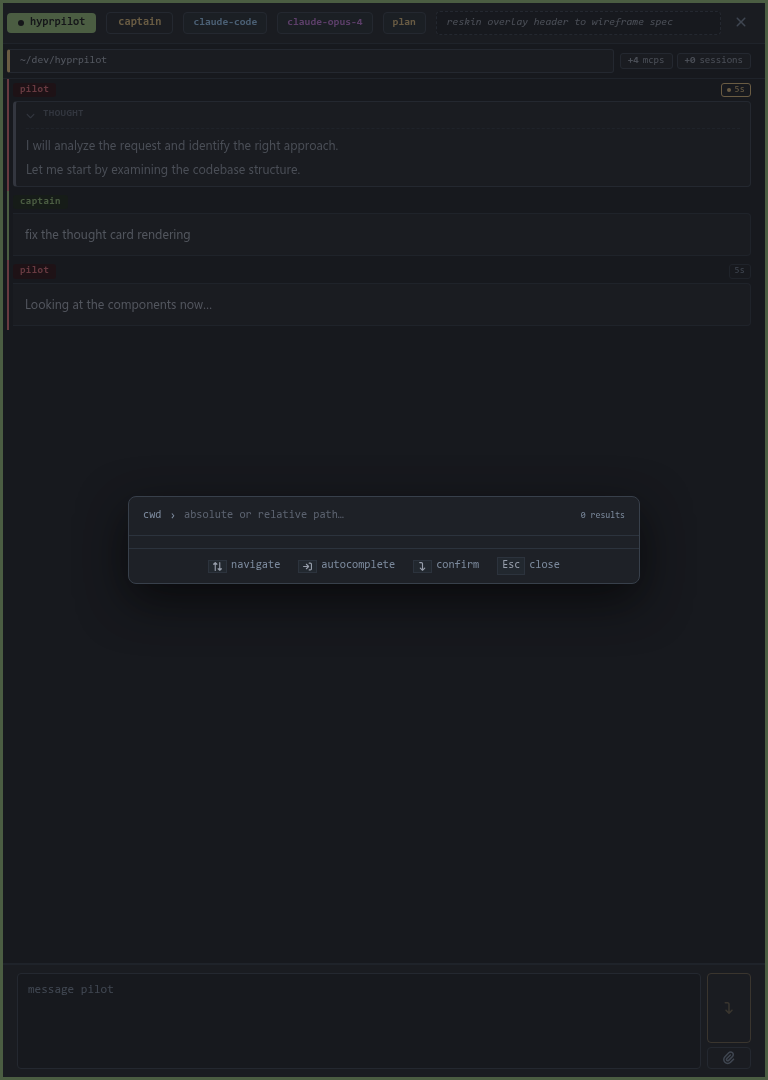
Type a path; the focused instance restarts in the new directory. Tab autocompletes against your filesystem.
Daemon
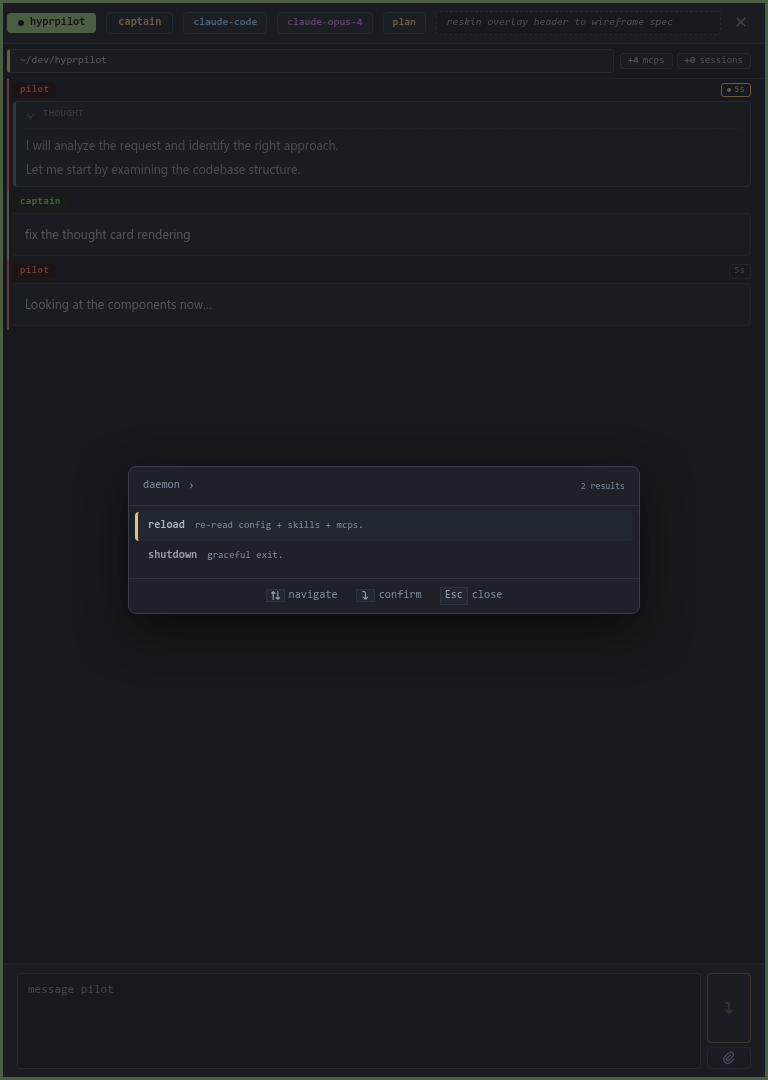
Daemon-level ops. reload re-reads config, MCPs, and skills. shutdown exits cleanly.
Keymap
| Keys | Action |
|---|---|
Ctrl+K | Open the palette |
Esc | Close the palette |
↑ / ↓ | Navigate rows |
Enter | Commit the highlighted row |
Ctrl+D | Delete / shut down (where supported) |
| Type to filter | Fuzzy match |